Colorwork
Tapestry, graphgan, intarsia and pixel crochet
One stitch, one color per square. The instructions list every color run, row by row, so changing yarn is never guesswork.
- Tapestry
- Graphgan
- Intarsia
- Pixel crochet
Crochet · Free · In your browser
Turn a photo into a crochet chart, or design one square by square. StitchOwl writes the row-by-row instructions for you.
Photos convert on your device and are never uploaded.
From a picture
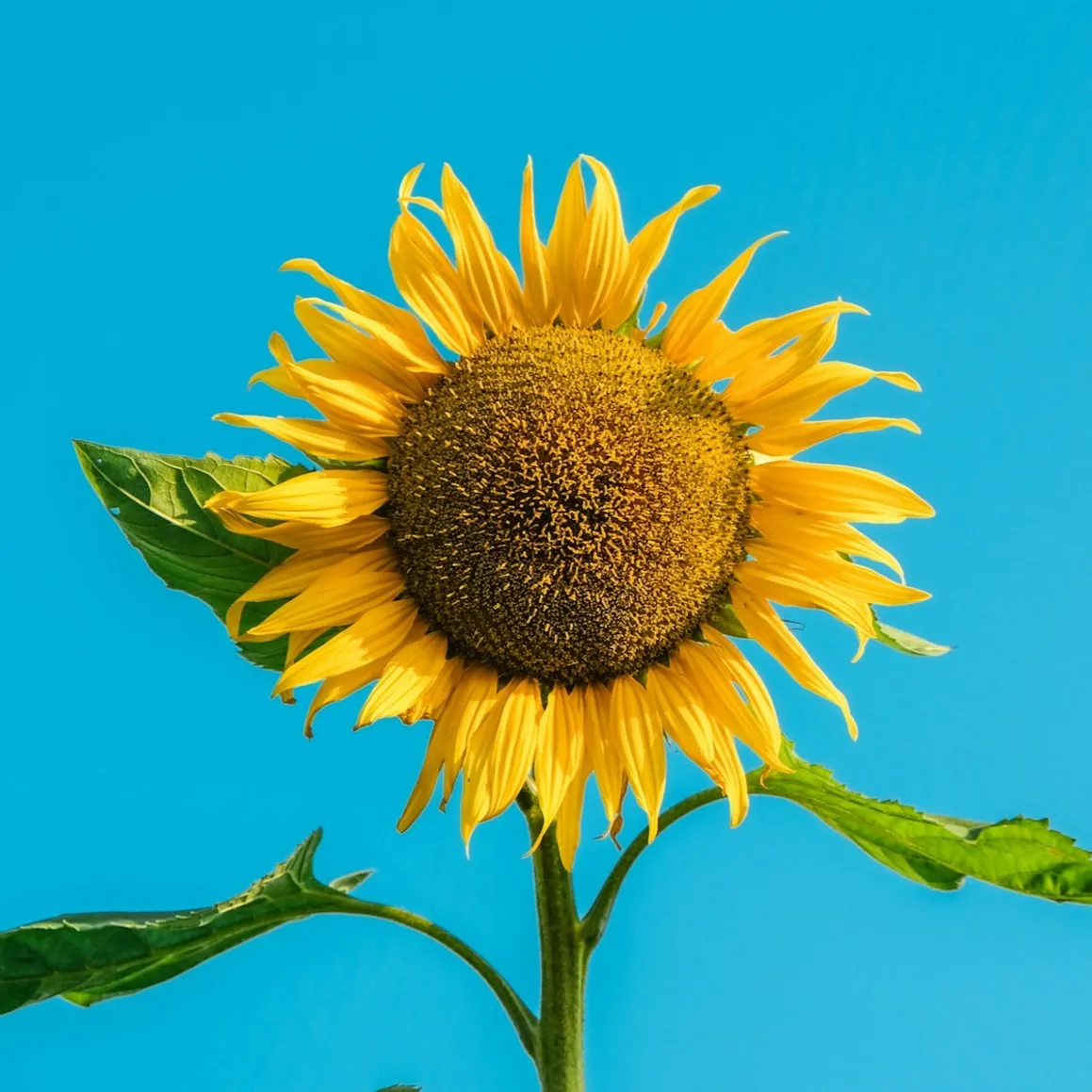
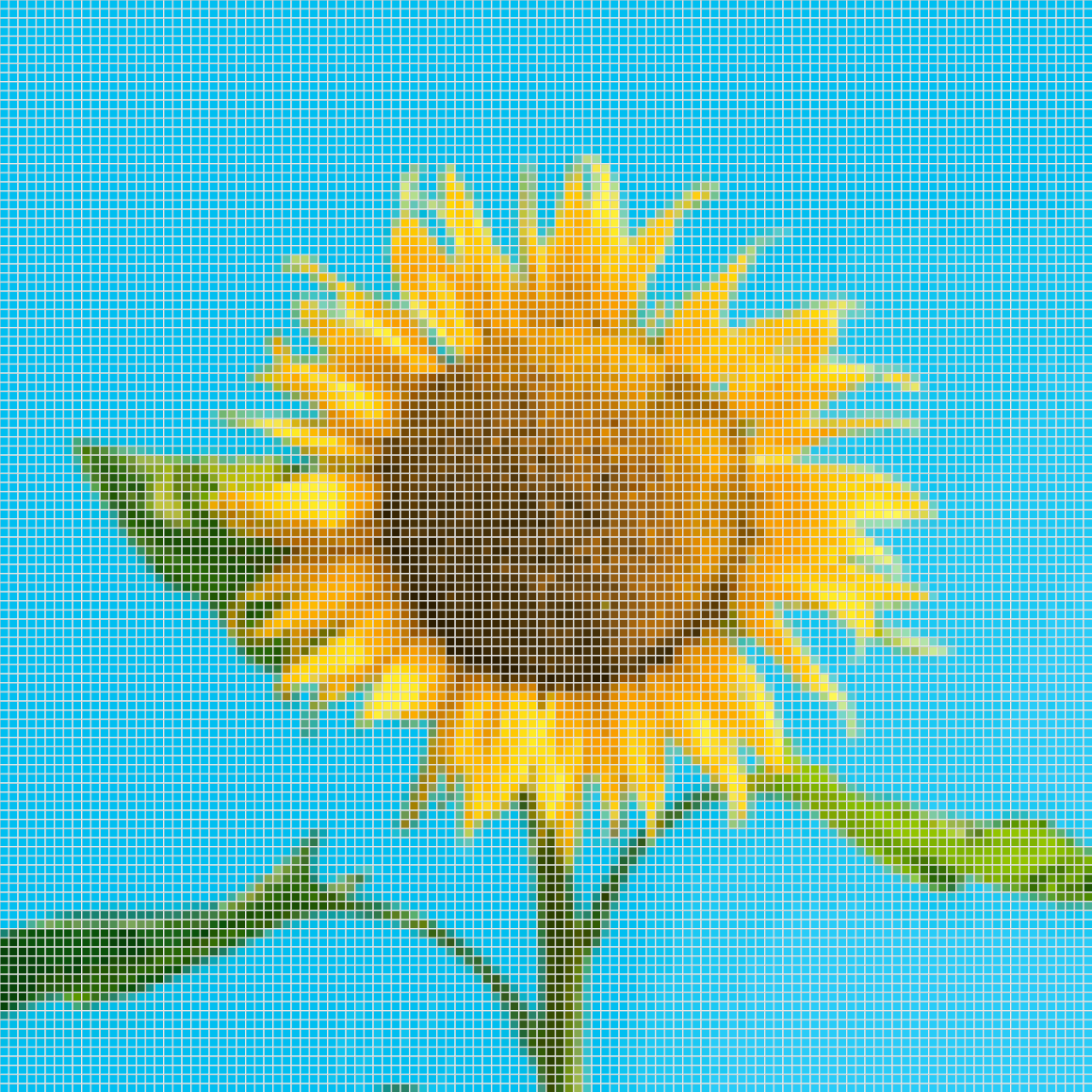
Drop in a picture of a pet, a flower or a drawing, and StitchOwl turns it into a colorwork, filet or C2C chart you can edit. The photo converts on your device.
Photo to crochet pattern converterThree crochet styles
Tapestry, graphgan, intarsia and pixel crochet
One stitch, one color per square. The instructions list every color run, row by row, so changing yarn is never guesswork.
Filled blocks and open mesh
Each square is a filled block or an open space, so the picture appears in the mesh. Rows are written as runs of filled and open blocks.
Diagonal blocks, corner to corner
Small blocks worked in diagonal rows from one corner to the opposite one. Instructions and progress go diagonal by diagonal.
Instructions and progress
Row-by-row color runs with right-side and wrong-side rows marked.
A legend with stitch counts so you know how much of each color you need.
Your way of working in the round or flat in alternating rows, from the bottom or the top, or from any C2C corner.
Progress tracking tick off rows as you go and pick up where you left off.
Tapestry Mushroom
20 × 20 · 5 colors
Legend
Instructions
…and 16 more rows
Tap a row to mark where you are.
Beyond the chart
Every chart comes with row-by-row written instructions and a color legend with stitch counts.
Mark each row as done while you work, and pick up right where you left off.
Enter your gauge to see how big the finished piece will be before you start.
Download your chart as a PDF, PNG, or SVG with a free account.
Sell the charts, instructions, and exports you make with StitchOwl, including commercially.
The full editor runs in your browser on any device, including with Apple Pencil.
Questions
Yes. You can design crochet charts and get the written instructions for free, without signing up. A free account saves up to 5 charts and lets you download them. Pro raises that to 250 saved charts.
Colorwork charts for tapestry crochet, graphgans, intarsia and pixel designs; filet crochet charts of filled and open blocks; and corner-to-corner (C2C) charts worked in diagonal blocks.
Yes. Upload a JPG, PNG, GIF or WebP image, crop it, and choose the chart size and number of colors. StitchOwl converts it into a chart you can edit square by square, and works for colorwork, filet and C2C. The conversion runs in your browser, so the photo never leaves your device.
Yes. StitchOwl writes the instructions from your chart: row by row, or diagonal by diagonal for C2C. Each row lists its color runs and whether it is a right-side or wrong-side row, and a legend shows how many stitches you need in each color.
Charts can be anywhere from 1 × 1 to 200 × 200 stitches. You can use up to 50 colors on the free plan and 200 on Pro. Enter your gauge to see the finished size in inches or centimeters.
Yes. The charts, written instructions and exports you make are yours, and StitchOwl's Terms let you sell them, including commercially.
Yes. Download it as a PDF in A4 or Letter size, portrait or landscape, with an optional color legend, or as a PNG or SVG. Downloads need a free account and never carry a watermark.
Yes. StitchOwl runs in your browser on phones, tablets and computers, and the full editor works with touch and Apple Pencil.
Free with 5 saved charts and 50 colors per chart. Pro raises that to 250 charts and 200 colors. See pricing
Help us prioritize features by telling us what matters most to you. Or just give us feedback in general :)